

This video will show you how to create a QR Code quickly and easily using KQA Code.
To begin, you need to log in to K-QRCode. Go to k-qrcode.com.
If you don't have an account yet, click on Create an account. Otherwise, simply click on Login.
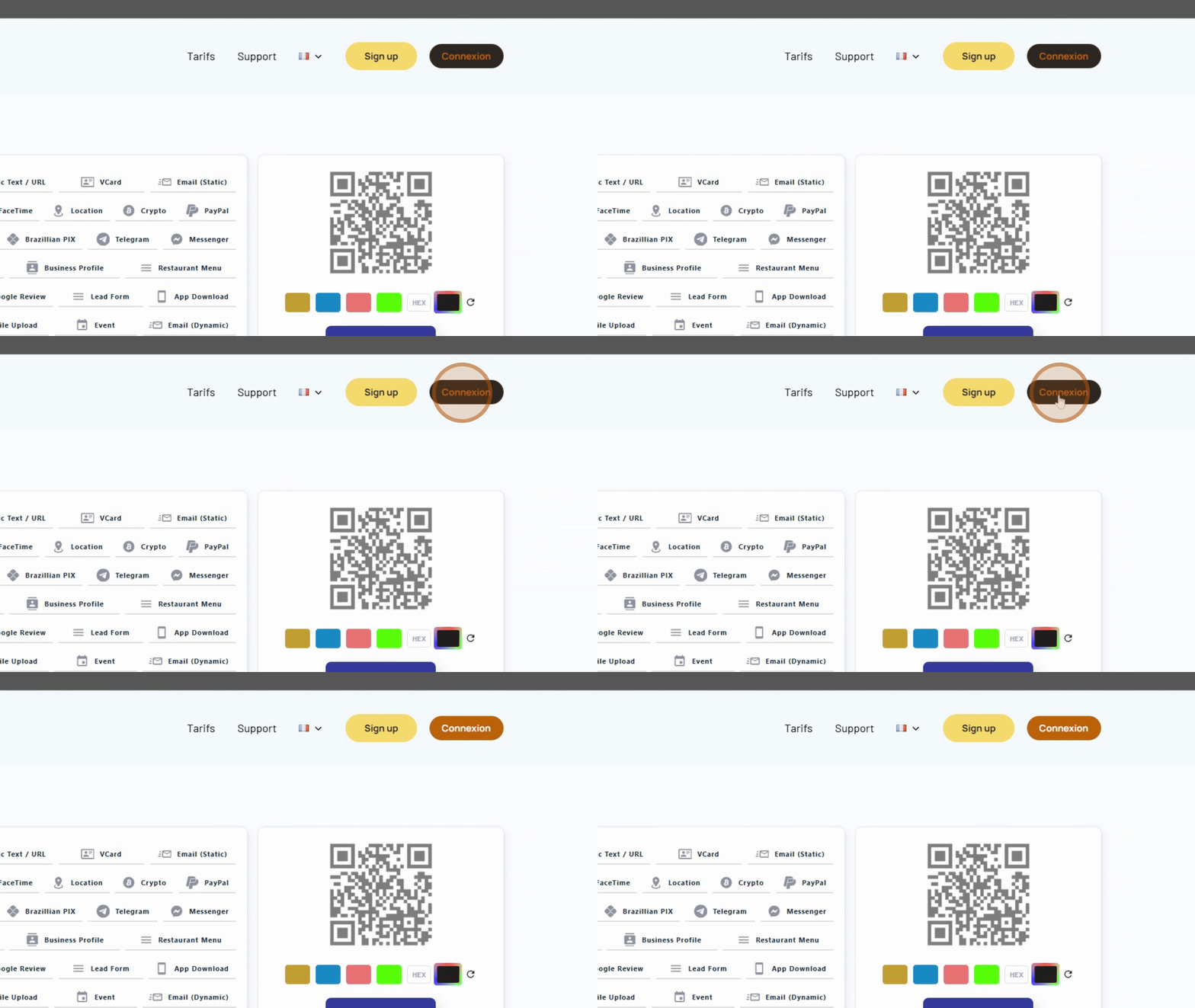
Once logged in, you can start creating a QR Code.
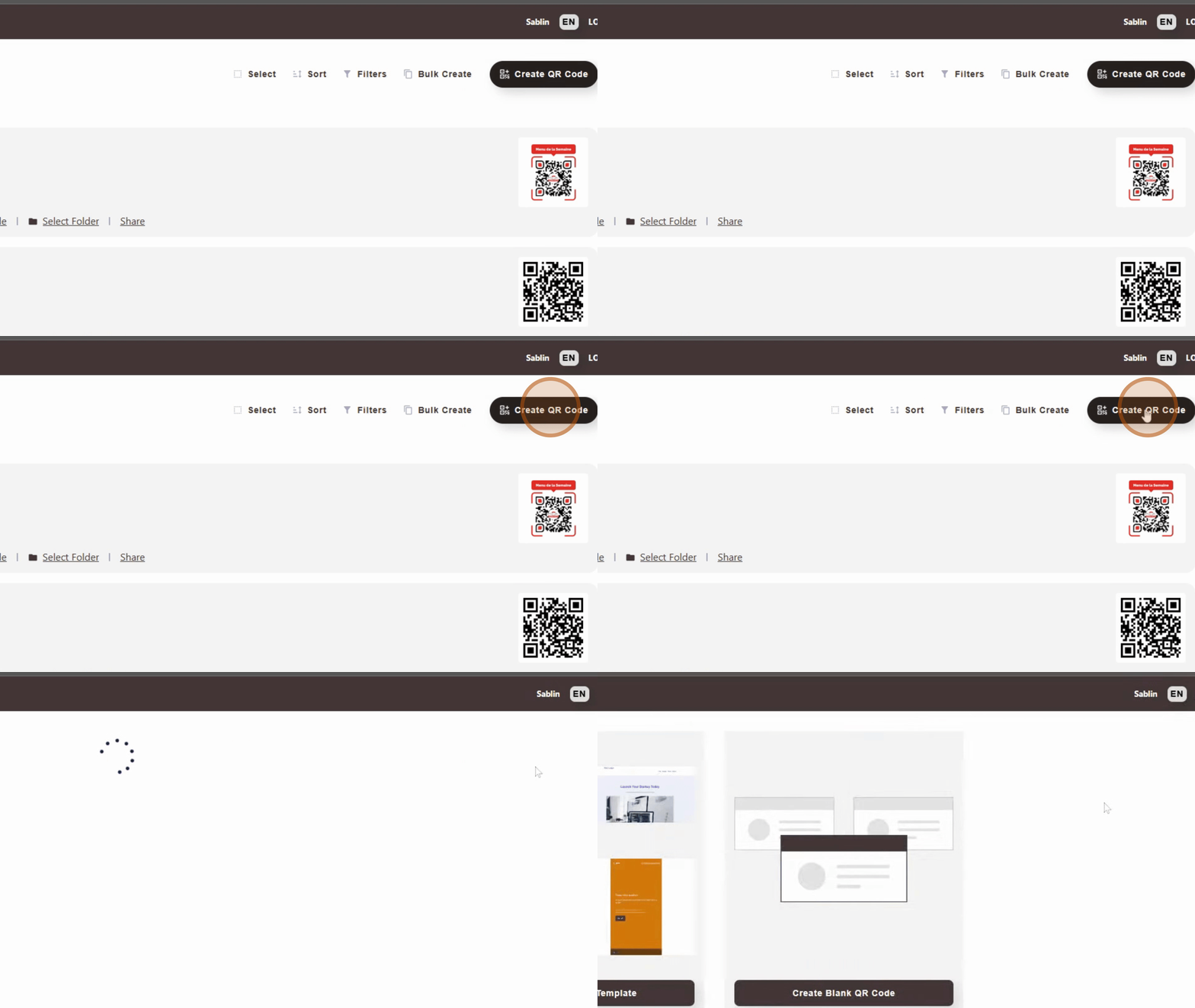
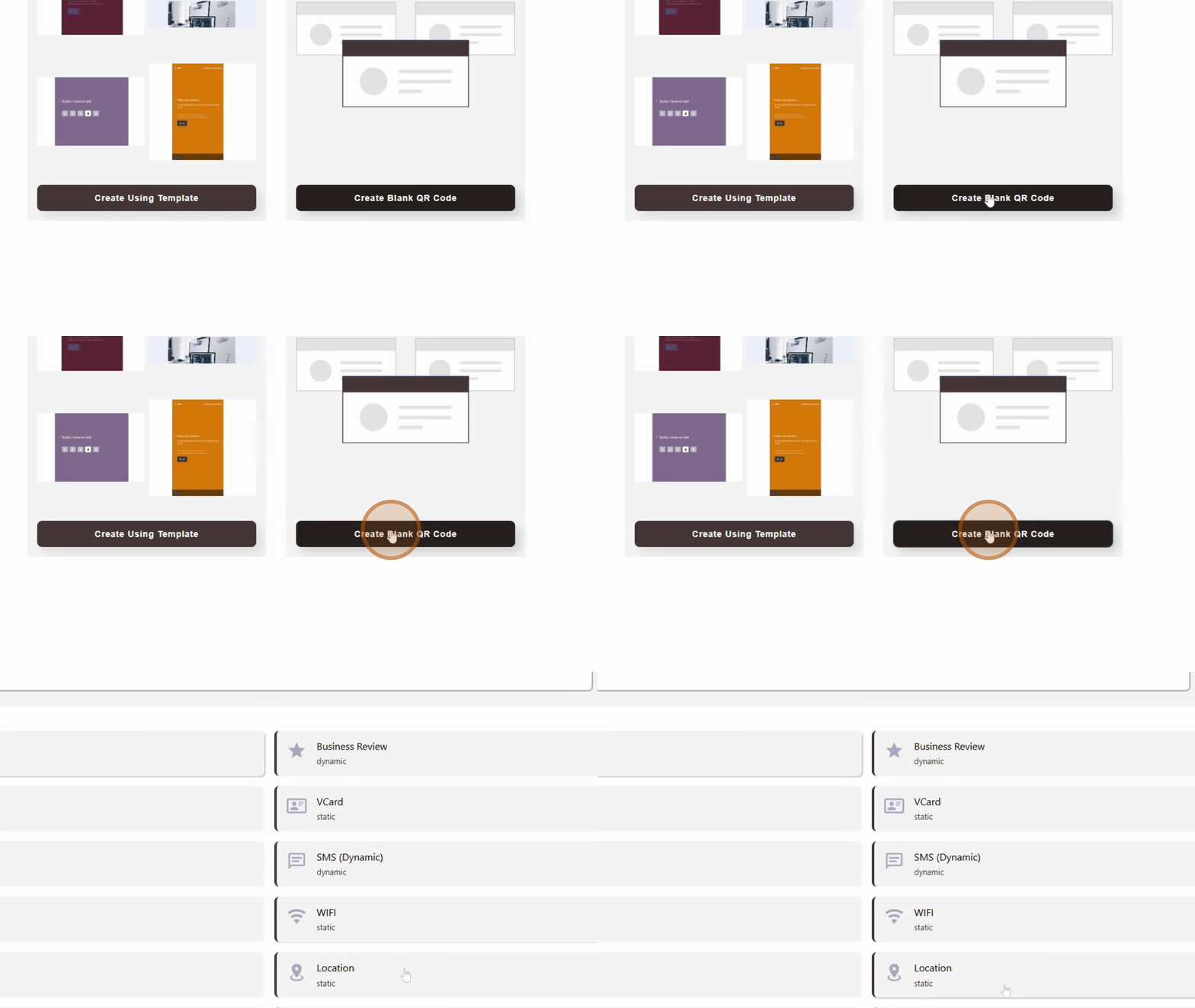
Click on Create a QR Code, then choose to create a QR Code from scratch.
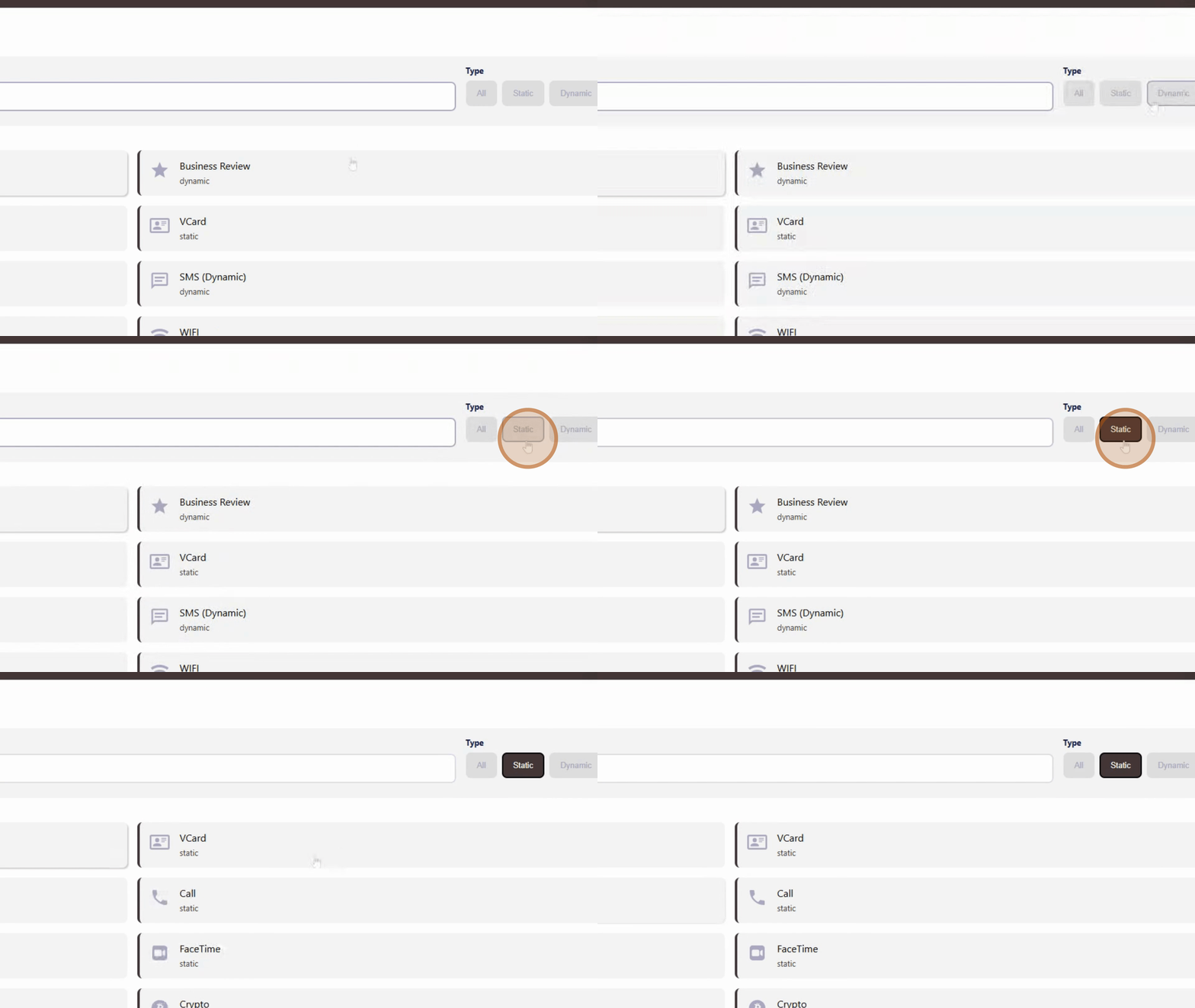
We're going to create a QR Code to redirect to a link. Select the Static option and enter the link you want to redirect to.
After entering the link, click on Next.
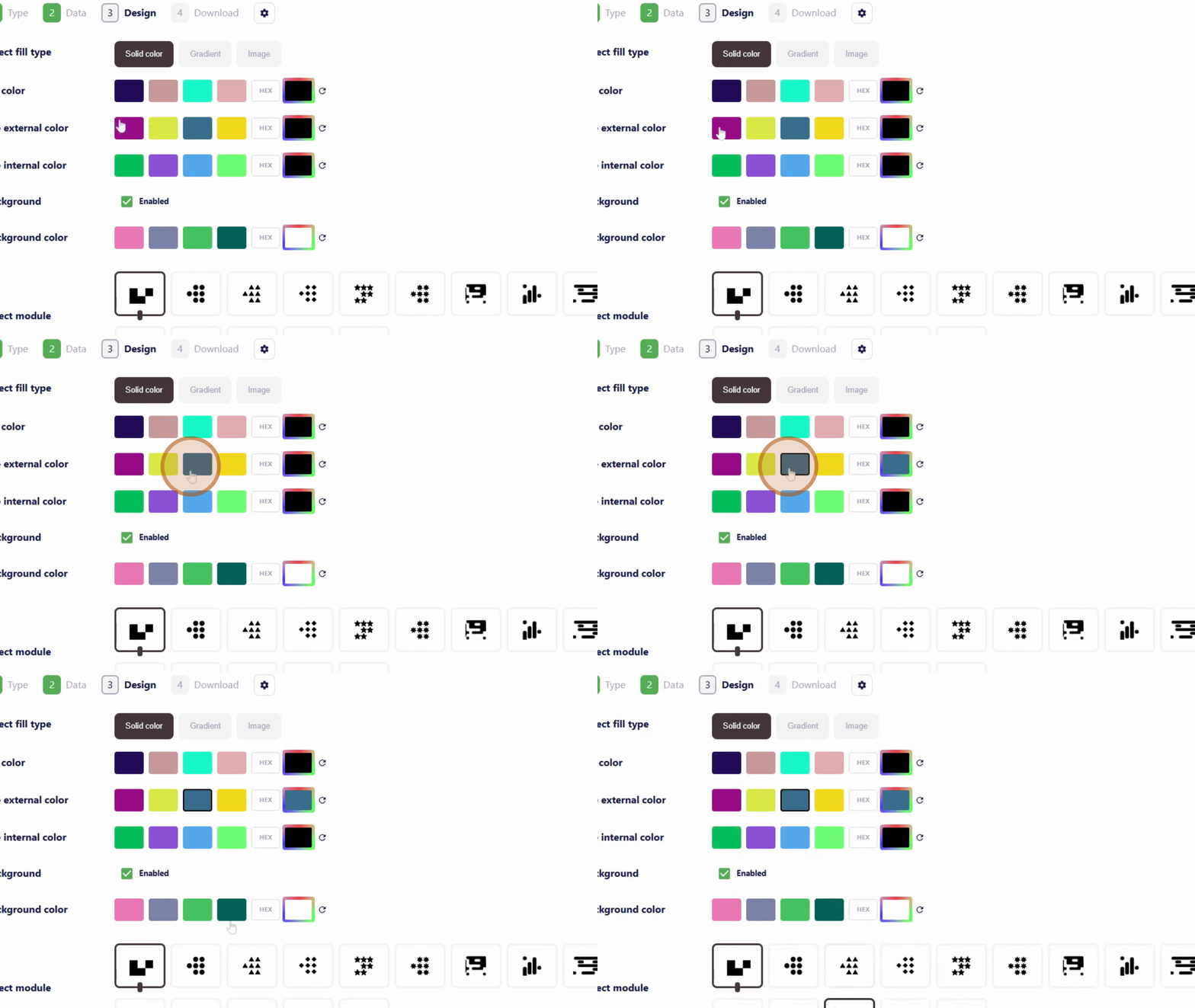
You will then be at the design stage of your QR Code, where you can choose the colors of the different elements. You can also choose whether to add a logo or not. Once done, click again on Next.
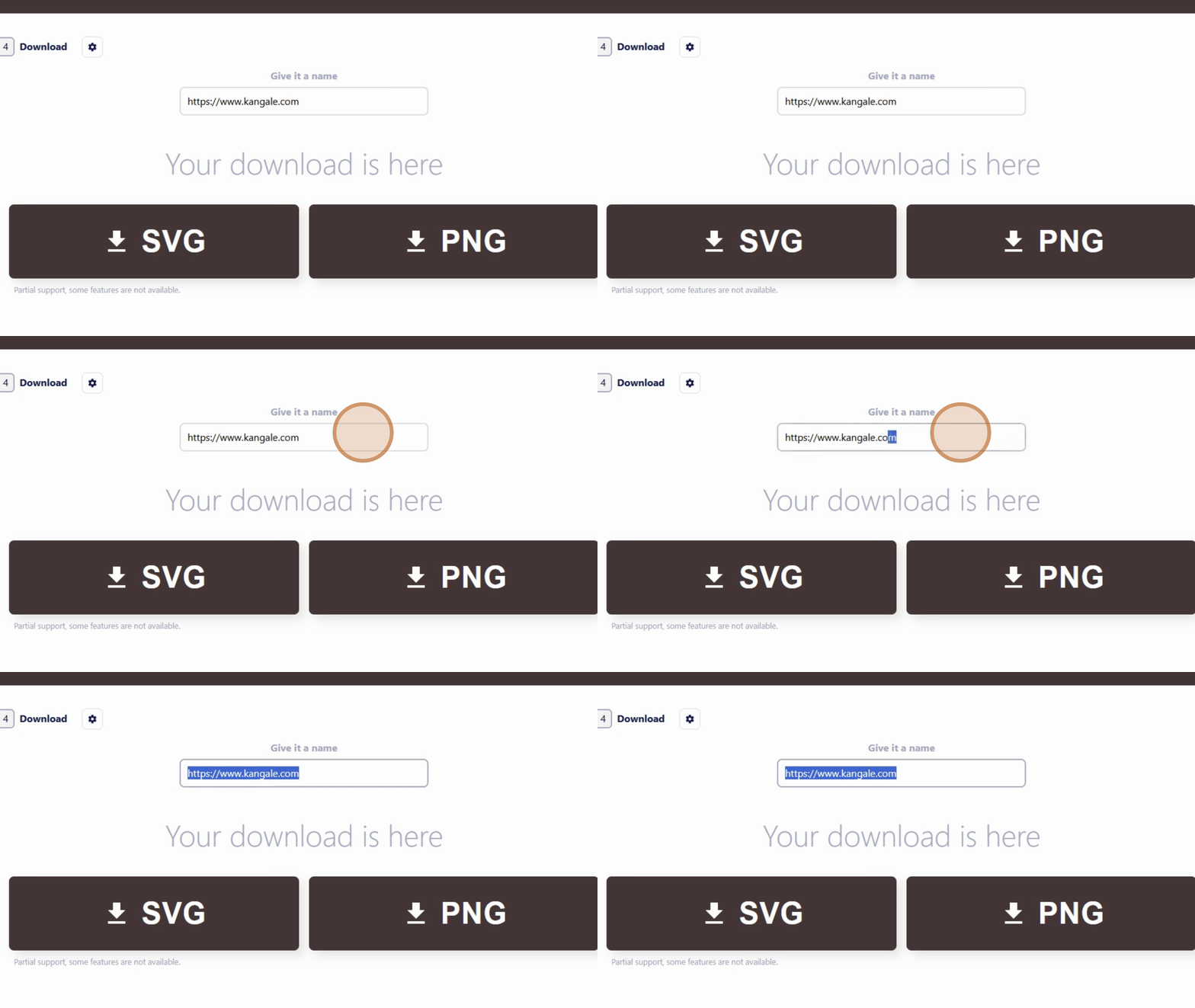
After creating your QR Code, give it a name.
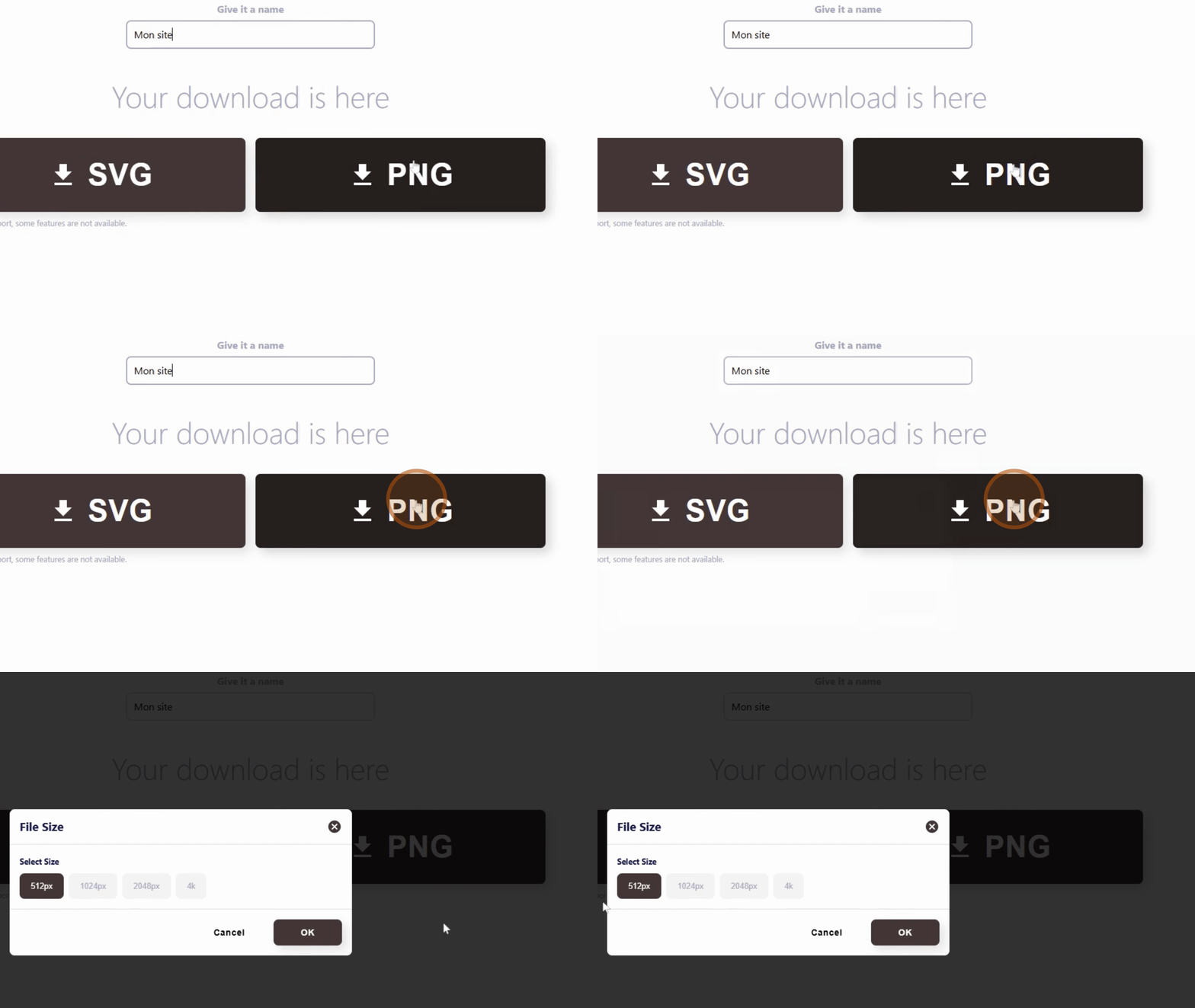
Once the name is assigned, click on Download, select the size of the QR Code and download it. The code has been successfully downloaded.
Add image
By following these steps, you can easily create and download your QR Code with K-QRCode.